

⌘K opens the command palette, and ? lists every key. On Windows and Linux, ShadowGit shows Ctrl where these pages show ⌘, and Shift for ⇧. This page describes ShadowGit 0.5.0 and later.
The command palette
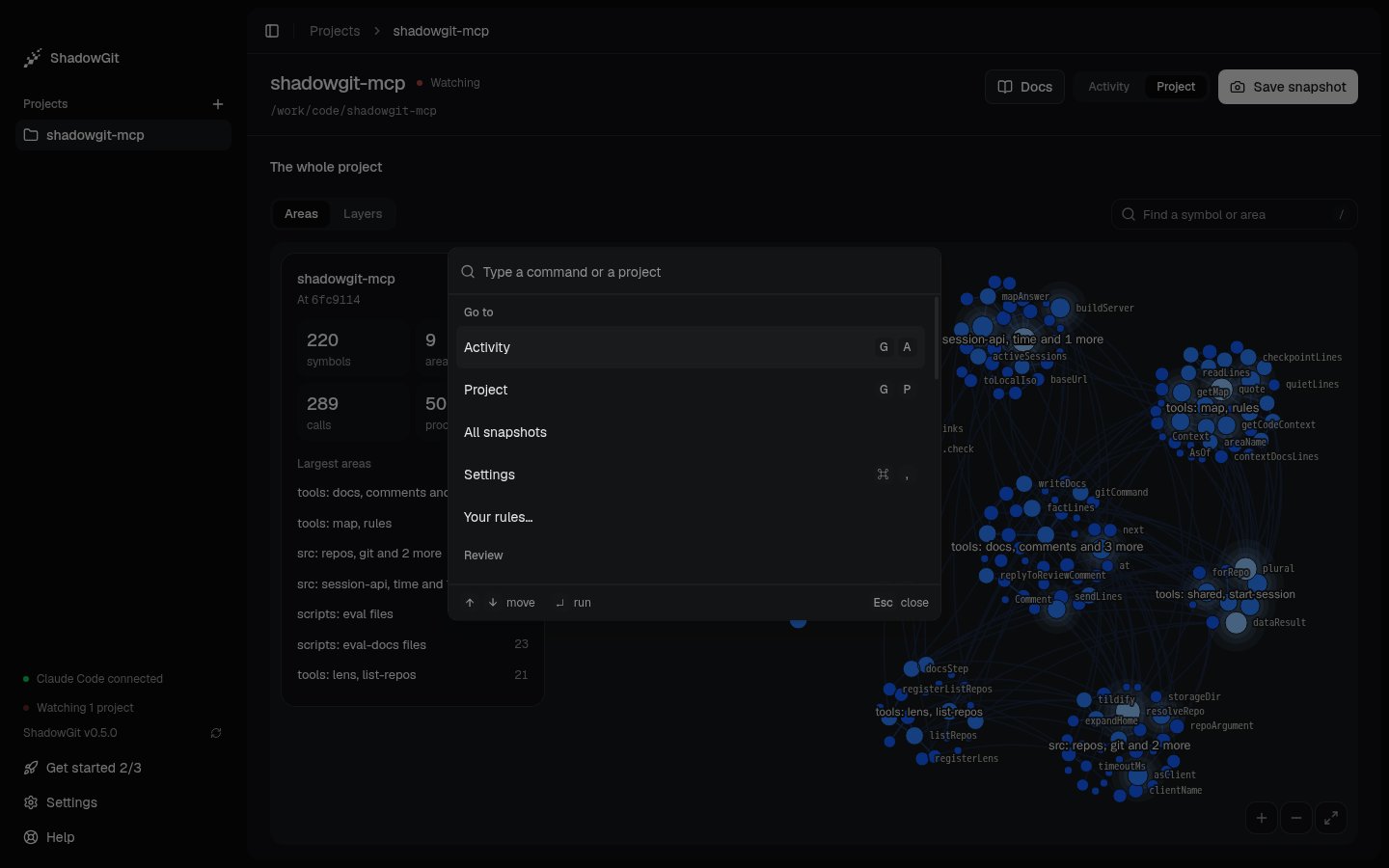
The command palette, opened over Project
⌘K opens the palette from anywhere. Type part of a command or a project’s name, then press ↵. Commands are grouped under Go to, Review, Snapshots and App, then your projects. A command shows its keys, and only the commands that work where you are.
Some commands have no key of their own:
- Review since you last saved, Review today and Compare two snapshots…
- All snapshots, Save snapshot, Save snapshot with a name…, and, when Review reads one snapshot, Restore this snapshot… and Tag this snapshot…
- Mark reviewed, Send comments to your assistant… and Show the review guide
- List files in reading order, List files by folder, Show the diff unified and Show the diff split
- Your rules…, Add project… and Get started…
- Theme: light, Theme: dark and Theme: as the system
The shortcut sheet
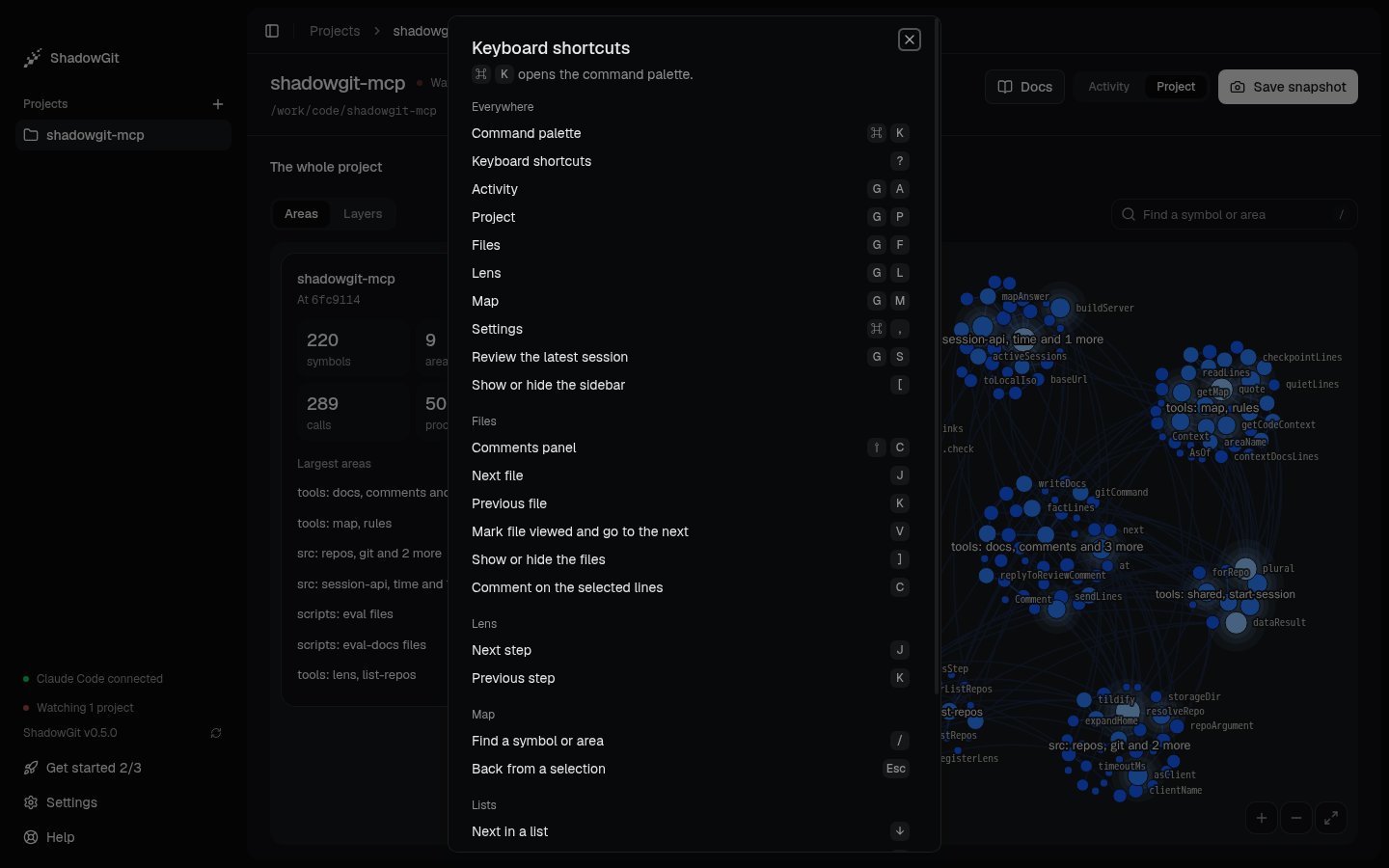
The shortcut sheet: every key, by where it works
? opens Keyboard shortcuts, with every key below. A single key does nothing while you type in a field or a dialog is open.